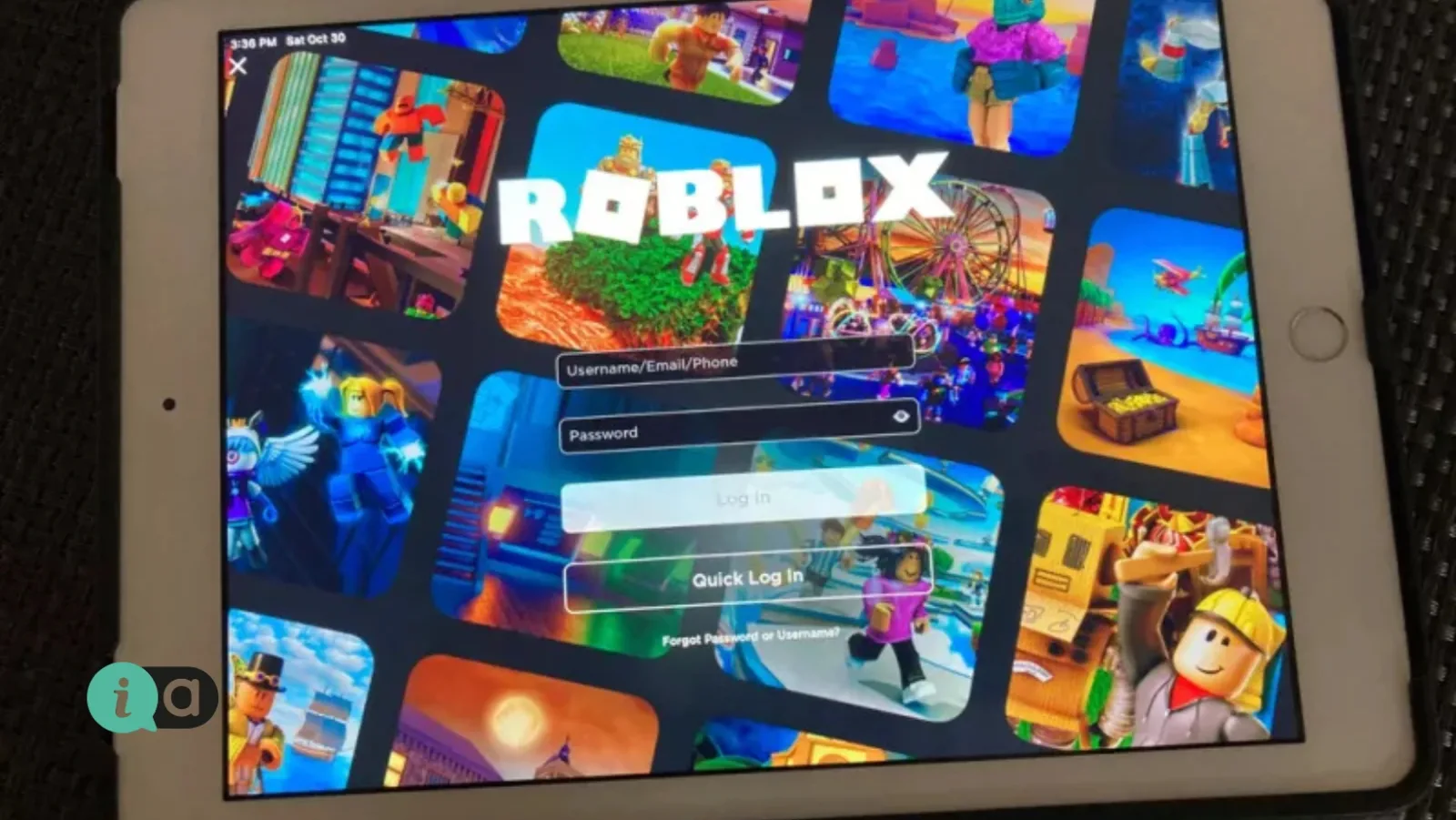
From 8 January 2026, Roblox will be implementing mandatory age verification worldwide for anyone wishing to use the chat function on the platform. Verification is carried out either by estimating the user’s age via facial recognition using the device’s camera, or by identity verification through a document; without this, the chat function remains disabled. In practice, most parents only find out about this when their child complains that they can no longer chat with their friends within the game.
According to the Roblox support page, age verification is currently required for all forms of chat, restricted content, unfiltered chat with so-called ‘trusted friends’, and collaboration via Team Create in Roblox Studio. The company states that further features will be added over time.
The assessment classifies the user into one of six age groups: 5–8, 9–12, 13–15, 16–17, 18–20 and 21 and over. Each group unlocks different content. Children under the age of 9 can only play games suitable for their age and require explicit parental permission to chat, even with peers. In the 9–12 and 13–15 age groups, chatting with users of a similar age is permitted. For 16–17-year-olds, all games are available except those rated 18+. From the age of 18 and over, there are no restrictions.
This is where the practical problem lies that causes the most complaints at home. Roblox itself gives the example of a child assessed as being aged 12: they can chat with users up to the age of 15. Two friends from the same class who end up in different age groups, or a child with an older brother or cousin, may suddenly find they can no longer talk to one another. The solution is called ‘Trusted Friends’; it allows communication with known contacts outside the age group and requires parental permission via the settings.
As for the data, Roblox states that images and videos are deleted after processing, which is carried out by the external provider Persona. If a child is categorised in the 5–8 or 9–12 age groups, the platform removes details such as email addresses and telephone numbers from their account. Verification using a government-issued document is only permitted for those aged 13 and over, whilst in some countries parental consent is required even for facial scanning.
If the estimate is incorrect, there are two options. A parent with a linked account can correct the child’s date of birth, but only once. And if the child had stated that they were over 13 whilst the scan indicated they were under 13, there is a 48-hour window before the change is finalised.
Alongside all this, there is also a Greek tool that most parents have never even opened. The Kids Wallet on gov.gr offers four parental control functions, as set out in Ministerial Decisions 1708 and 1716 (Government Gazette B’ 2281 and B’ 2286 of 9 May 2025): blocking or time-restricting access to specific apps and services, setting device usage schedules at specific intervals, providing usage statistics for the device and the apps used by the child, and support materials. Parents log in using their personal credentials, and detailed instructions – separate for Android and iOS – are available at kidswallet.gov.gr.
The third piece of the jigsaw is the school system, and this applies to every primary school, lower secondary school and upper secondary school in Artemida and Spata. Under the ministerial decision published in the Government Gazette (Series B) No. 5130 on 11 September 2024, the visible possession or use of mobile phones on school premises is prohibited. In lower and upper secondary schools, a first offence results in a one-day suspension, whilst taking photos or recording audio may result in a suspension of three to five days. In primary schools, mobile phones must be switched off and kept in a bag; if found in use, they are handed over to the headteacher and returned at the end of the school day, without penalty, and parents are informed.
What a parent actually does this week:
- Log in to your child’s Roblox account and check which age group they’ve been assigned to. If it’s incorrect, correct it using the one-time opportunity you’re given — but don’t rush.
- Link your account as a parent account. Without this link, you cannot change your date of birth or approve Trusted Friends.
- Set up ‘Trusted Friends’ for specific children you know from your neighbourhood or class, rather than opening up the chat to everyone.
- Download Kids Wallet and start by setting time limits, not bans. The usage statistics will show you in a few days where the time is actually going.
Source: Roblox, support page ‘Understanding Age Checks on Roblox’ (accessed 20 September 2026). Ministerial Decisions 1708 and 1716, Government Gazette Series B Nos. 2281 and 2286 of 9 May 2025 concerning the Kids Wallet. Ministerial decision on the use of mobile phones in schools, Government Gazette B 5130/11 September 2024.